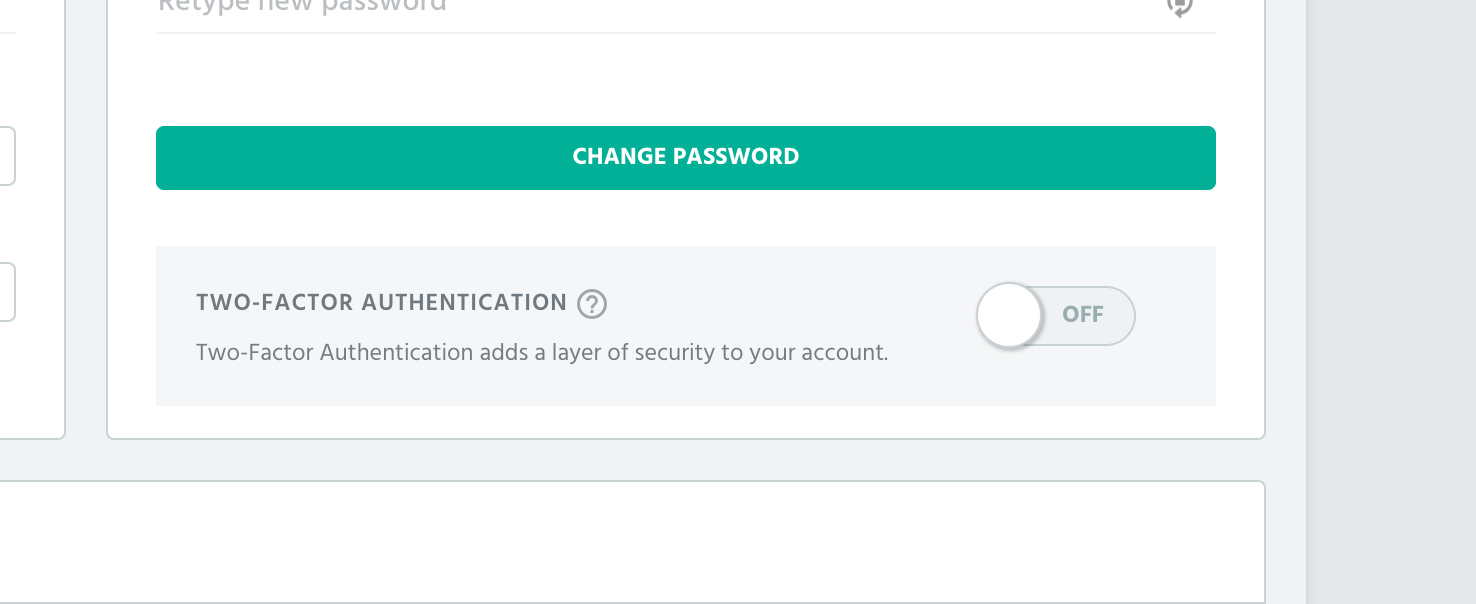
To disable Two-Factor Authentication for your account, go to your account settings page in ProfitWell. You will see the option to toggle Two-Factor Authentication off for your account:
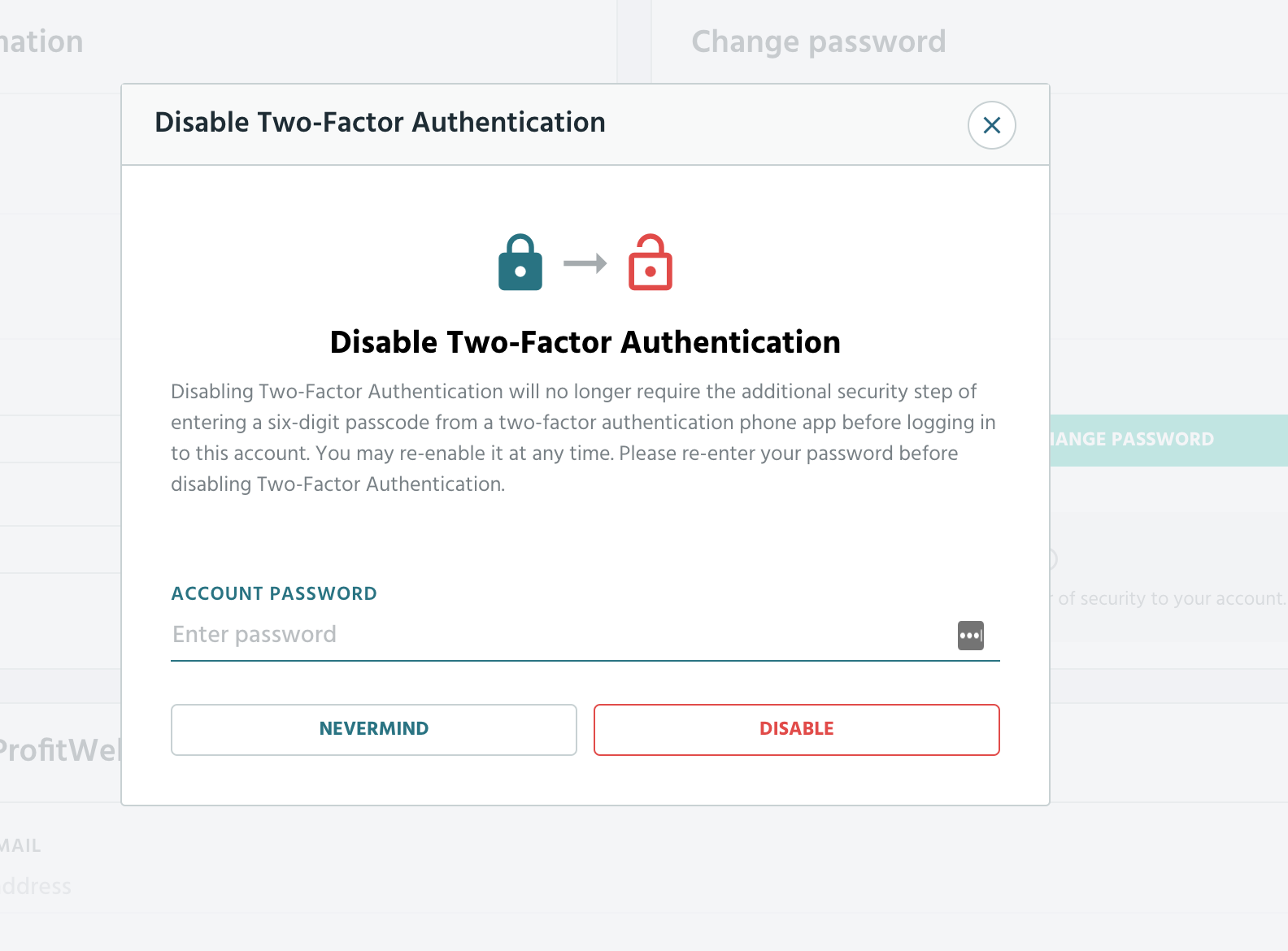
Click on the switch to see the option to disable your account. Note you will need to re-enter your account password before disabling this feature: